
 YEAR1985
Famicom
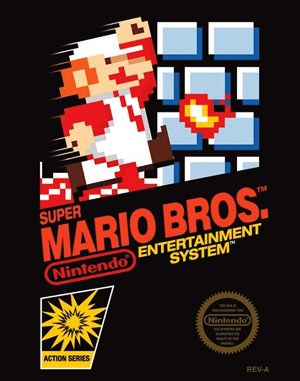
Super Mario Bros.
Platform 1–2 Players
A familiar first level to practise walking, running and jumping.
OLDGAMES 95 Desktop · Browser game archive
In your browser · classic systems · no sign-up wall
3093 games · 22 systems · 65 genres
Choose a game and launch its player
These entries have passed our launch checks. Controls and device compatibility vary; the game page explains how to start and keep progress.
YEAR1985Famicom
Platform 1–2 Players
A familiar first level to practise walking, running and jumping.
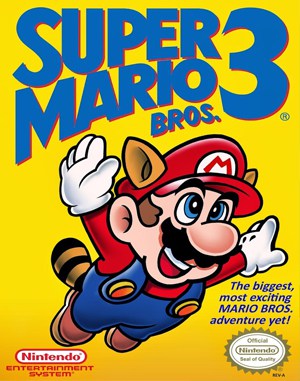 YEAR1990
Famicom
Platform 1 Player
Choose a stage on the world map, then practise jumps and power-ups.
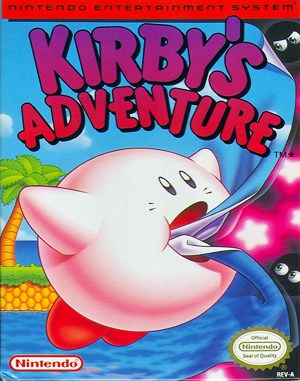 YEAR1993
Famicom
Platform 1 Player
Try inhaling enemies and copying abilities; the guide explains the controls.
 YEAR1991
Genesis
Platform 1 Player
Start in Green Hill Zone: collect rings and jump through the opening route.
Configure Player 2 before starting. Two gamepads or separate keyboard mappings are recommended; this selection does not promise online multiplayer.
On this browser
Games you launched here. Use the player menu to load a saved game where supported.
Saved on this browser · no account needed
Progress saved on this browser
Open a game, then launch its player to restore your browser snapshot. Keep a downloaded backup before clearing site data.
Source-based guides
11 gameplay guides plus 5 walkthrough and strategy articles, with controls, practical advice and sources.
Rotating selection
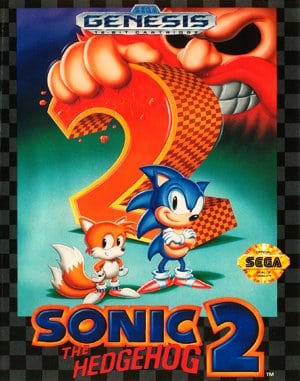 YEAR1992
Genesis
Platform 1 Player
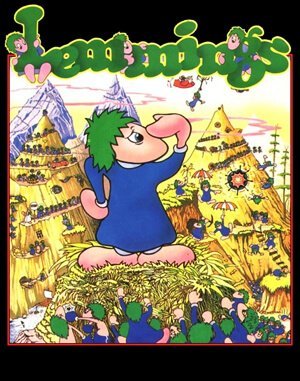 YEAR1991
DOS
Puzzle 1 Player
 Archive onlyYEAR1980
Arcade
Casual 1 Player
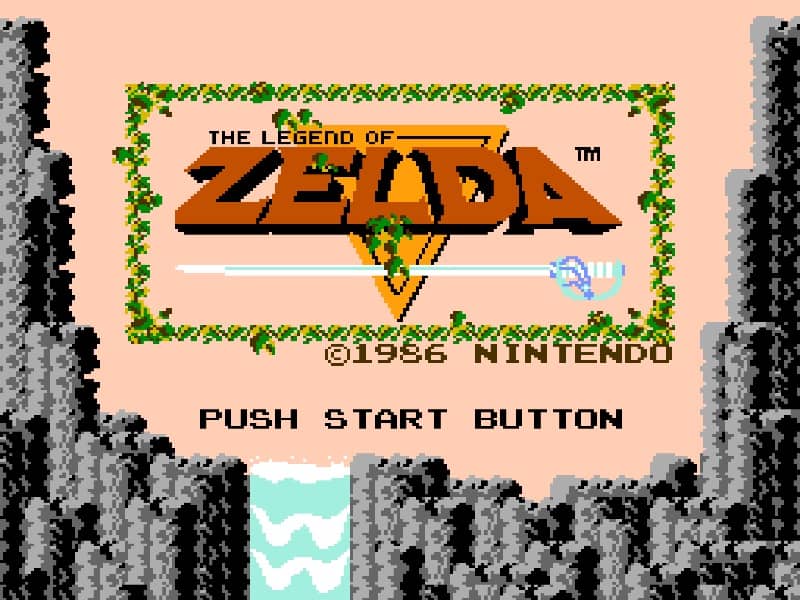 Archive onlyYEAR1986
Famicom
Adventure 1 Player
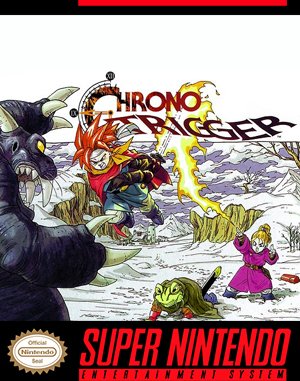 YEAR1995
Super Famicom
Role Playing 1 Player
 Archive onlyYEAR1994
Game Gear
Action 1 Player
YEAR1990Famicom
Platform 1 Player
 YEAR1988
Famicom
Platform 1–2 Players
Browse by system
Sorted by catalogue year
These years describe catalogue versions and adaptations, rather than the original games’ release dates. Check each entry’s edition note; exact builds and some variant details remain unconfirmed.
 YEAR2025
Game Boy Advance
GBA demake listing · catalogue year 2025
Card 1 Player
 YEAR2025
Game Boy Advance
GBA adaptation listing · catalogue year 2025
Action 1 Player
 YEAR2023
Game Boy Color
Chinese-language variant listing · catalogue year 2023
Adventure 1 Player
 YEAR2022
Genesis
Genesis variant listing · catalogue year 2022
Action 1 Player
About the archive
OLDGAMES is an English-language retro game discovery archive with browser-based play. Compare platform, genre, release year, developer and player count, then start a game or read a guide matched to that edition.
Explore the full game library, browse systems such as Famicom and Genesis, or use the platform and genre collections to narrow the archive without relying on search parameters.
Browse classic action games, adventure games and puzzle games across systems, or use the playable-game shortcuts above to start sooner.
A shared title can refer to different platform editions. Our library handbook explains how to search by a remembered clue, compare records and choose a relevant walkthrough. Open a game page to see its play availability and controls.
Playing here takes no install and no account. Open any game page, read its edition details, then press the start button to launch the built-in emulator. The player runs in your browser tab, so the game loads where you already are: there is nothing to download, no launcher to keep updated, and no sign-up wall between you and the first level.
Before you start, check the control panel below the game screen. It lists the keys for that edition, because controls differ from system to system: a Famicom platformer uses arrow keys and two action buttons, while a DOS game may need its own keyboard layout and a mouse. Click inside the game window first so your key presses reach the emulator instead of the page. If you have a compatible gamepad, connect it before launching and the player will pick it up; keyboard and gamepad can be mixed, and two-player games on one device work best when Player 2 is configured before the session starts.
Most playable editions support saving. The player menu lets you save a snapshot and resume it later, and the snapshot lives in your browser, not on an account. That also means clearing site data removes your saves, so keep a downloaded backup before clearing browser data if a playthrough matters to you. Touch controls are available on mobile where the edition supports them, but a keyboard or gamepad is still the more reliable way to play anything that needs precise jumps or rapid fire.
Not every catalogue entry is playable in the browser. Each game page shows its current availability and, where a game cannot be launched, the reason: some editions are archive entries only, and some are still going through our launch checks. The status badge on the game card tells you at a glance. If a game you want is marked archive-only, its page still carries the edition details, release year, developer and genre, and often a guide or a related playable title to try instead.
The library covers 3,093 games across 22 systems and 65 genres, from arcade cabinets and 8-bit home consoles to DOS and the first CD-based machines. DOS is the largest collection at 1,867 titles, followed by Famicom at 230, arcade at 170 and PlayStation 1 at 221 catalogue entries. The breadth is deliberate: a shared title often exists in several editions, and the archive keeps those editions separate so you can compare them instead of guessing which version you remember.
Each entry records the platform, release year, developer, genre and player count, plus a short description of what the game is and how it plays. Where editions differ, the game page says so. A 1988 Famicom release and a later re-release of the same title are different records with different years, and the catalogue year on a card always refers to that catalogue version rather than the original game. Check the edition note on the card before assuming a year is the original release date.
The catalogue also keeps variants that are not the original game: adaptations, demakes and catalogue versions made for other systems, such as a modern card game rebuilt for Game Boy Advance. Those listings are labelled as variants so they are not mistaken for the original release. Chinese-language variants are listed the same way, with the language noted on the card.
Start from the search box or browse by system, genre or year. If you remember a title but not its platform, search the title and compare the editions side by side: the platform, year and genre on each card are usually enough to tell them apart. If you remember a feeling rather than a name — a scrolling shooter from 1994, a two-player beat-em-up, a puzzle game with falling blocks — the genre collections and the platform pages narrow the field quickly, and the playable shortcuts on the home page list only entries that have passed our launch checks.
When a title is shared across systems, the library handbook explains how to search by a remembered clue, compare records and choose a walkthrough that matches the edition you actually want to play. It also explains how to tell a catalogue version from the original, and what to do when two records look alike. The handbook is the fastest way to learn the archive's conventions, and it is worth ten minutes before a long search.
Guides are part of the archive, not an afterthought. The guides section holds gameplay guides and walkthrough articles with controls, practical advice and sources listed on each page, from a Famicom walkthrough with safe routes and warps to a DOS strategy guide for a first campaign. Each guide is written for a specific edition, so check the edition named at the top of the guide before following its steps.
Everything personal on OLDGAMES lives in your browser. Favorites are saved locally: tap the star on a game card and the game appears in your favorites, with no account and no sync to another device. Your recently played list and your saved-game snapshots work the same way. The upside is privacy and zero setup; the trade-off is that a different browser or a cleared profile starts from scratch.
Desktop and mobile both work without installing an app. Play availability and controls vary by game, and a game that needs a keyboard will say so on its page. On a phone, the touch controls cover movement and the main action buttons, but games that need fast, precise input are better on a desktop keyboard or a connected gamepad. Sound can be muted from the player if you are playing somewhere quiet, and fullscreen is one click away.
If something goes wrong while playing, the game page has a report form: black screen, missing sound, broken controls or any other problem. Reports go to the archive team with the game and the edition attached, which is how launch problems get found and fixed. The more specific the report — what you pressed, what you saw, which device — the faster it can be checked.
OLDGAMES is an English-language discovery archive, and every guide and description is written to be checked against a source. Game pages list their facts — platform, year, developer, genre — and guides list their sources at the bottom. Where a fact is uncertain, the page says so instead of presenting a guess as settled. The editorial policy sets out how entries are written, how corrections are handled and how the archive treats editions and variants.
Corrections are welcome. If a date, a developer credit or an edition detail is wrong, use the contact page and say which page and what the correction should be. The archive is maintained by hand, and reader corrections are one of the main ways catalogue errors get caught. The about page explains who runs the archive and what it is for: a place to find, compare and play the games people still remember, kept accurate enough to trust.
Browse on your device
You can browse OLDGAMES on mobile or desktop without installing an app. Play availability and controls vary by game and emulator, so check the game page before starting.
